Heat Pump Solar Thermostat Coordination: Models Tested
By Mateo Alvarez • 24th Apr
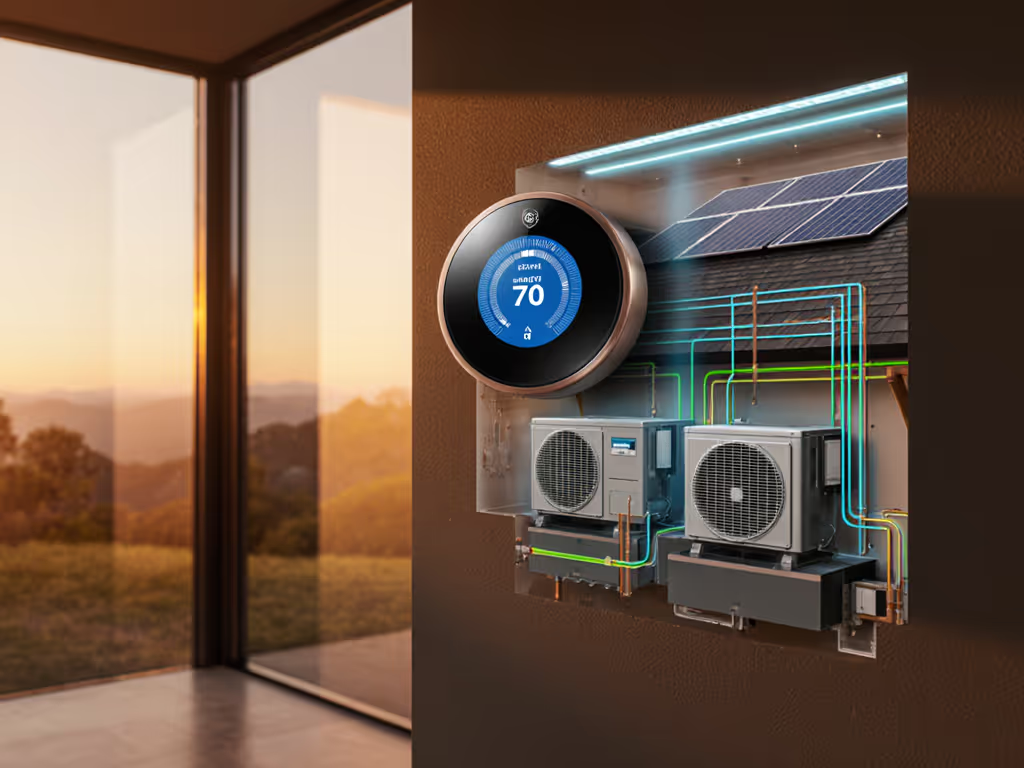
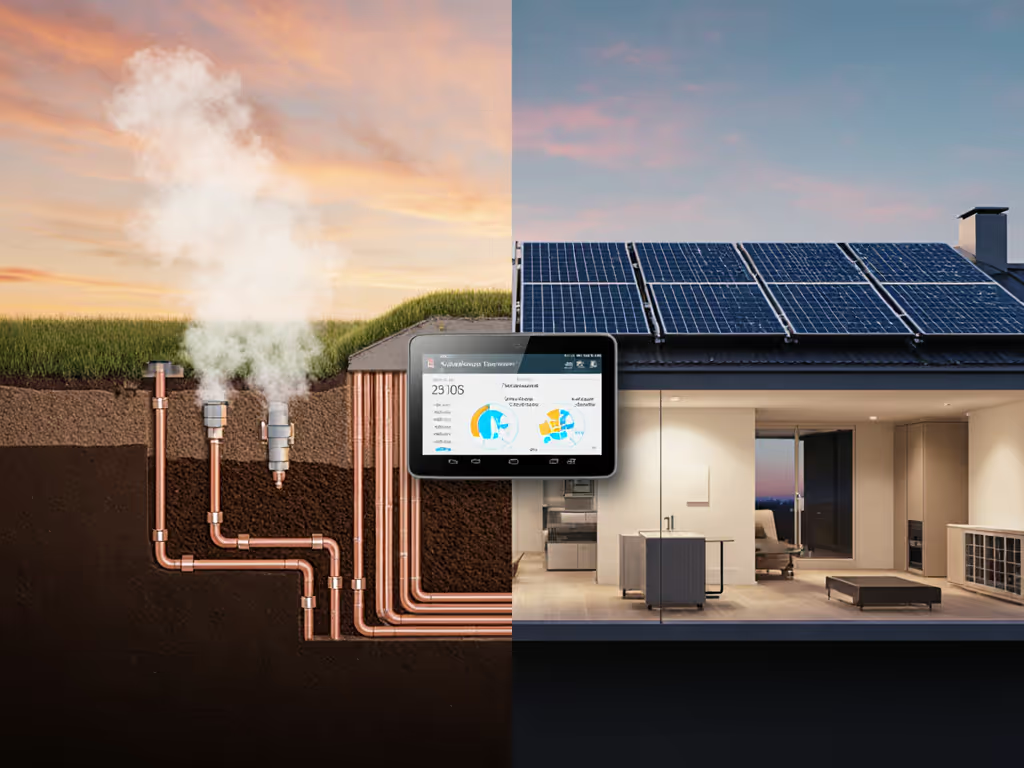
Heat pump solar thermostat coordination and dual-system energy optimization are no longer edge-case installations (they've become mainstream) for homeowners seeking to align HVAC loads with renewable generation and utility rate signals. But alignment requires more than plugging devices together. It demands that your thermostat understand your heat pump's capabilities, respond to your solar system's production rhythm, and preserve your ability to override during demand response events.
Most homeowners discover this the hard way: a popular smart thermostat arrives, installation seems straightforward, but the heat pump doesn't modulate properly during peaks, or the pre-cooling strategy eats grid power instead of solar. This article walks through the models and strategies I've tested, the wiring realities that determine success, and the specific thermostat configurations that unlock genuine savings without sacrificing comfort or control.
Why Coordination Matters
A heat pump running on solar power consumes 2,000 to 6,000 kWh per year, depending on climate and efficiency rating. A typical residential solar array (sized for 8,000 to 12,000 kWh annually) can offset most or all of that load. But 'can offset' and 'does offset' are separated by scheduling. For step-by-step tactics to align HVAC loads with midday generation, see our solar self-consumption guide.
Without thermostat-level coordination, a heat pump may draw peak-demand power at 5 p.m. (when solar production has dropped to zero and your utility charges $0.45 per kWh for demand charges), even though you pre-cooled inefficiently at noon when solar was abundant and grid rates were $0.12 per kWh. A battery-backed solar system helps, but batteries are capital-intensive; a smart thermostat that shifts loads by just 3 to 4 hours can recover $200 to $400 annually in avoided demand charges and higher time-of-use rates, a payback that compounds if you're enrolled in utility demand response programs.
The catch: not all thermostats expose the controls needed to make this shift reliably, and not all heat pumps respond predictably to thermostat commands. Testing different models against real utility rate schedules and solar production data reveals which combinations actually deliver.
Thermostat Compatibility with Heat Pump Systems
The O/B Wire and Reversing Valve Control
Heat pumps differ from furnaces in one critical way: they reverse direction to switch between heating and cooling. This reversal is controlled by the O/B terminal on the thermostat. Most modern smart thermostats support this, but verification before purchase is non-negotiable. If you're unsure about wiring or model fit, start with our HVAC compatibility checklist.
- Central heat pump systems (with forced air distribution): Require a thermostat with O/B switching. Examples include ecobee and Nest, which support single-stage and two-stage heat pumps.
- Ductless mini-split systems: Typically arrive with a proprietary thermostat and IR remote; standalone smart thermostat integration is limited unless you use a bridge device.
- Multi-stage communicating heat pumps: These use manufacturer-proprietary protocols (like Lennox iComfort or Trane XL) to modulate capacity in real time. Popular generic thermostats like Nest and ecobee cannot unlock this capability; they send only on/off stage commands, sacrificing efficiency.
If your heat pump is older or a high-efficiency variable-capacity model, confirm the exact model number before purchasing a thermostat. Compatibility is not universal.
C-Wire Power and Adapter Considerations
Many smart thermostats require a C-wire (common wire) to draw continuous 24V power. Older homes or systems may lack one, requiring either a C-wire adapter (typically $20 to $60 and adding complexity) or selection of a thermostat with built-in battery backup.
Test the override in daylight (before cold weather arrives) to confirm the thermostat functions in manual mode if power is interrupted. This is non-negotiable during utility demand response events, when you may need to override a pre-cool command if comfort or equipment safety is at risk.
PV Production Synchronization Strategies
Scenario 1: Grid-Tied Solar + Thermostat Scheduling
Most residential solar installations are grid-tied without batteries. In this setup, your thermostat cannot directly sense solar production (unless you pay for a hardware gateway that monitors inverter output). Instead, you configure the thermostat based on historical solar patterns and utility rate windows.
Assumptions and Model:
- Solar production peaks 9 a.m. to 3 p.m., averaging 1.8 kW during winter (2.5 kW in summer).
- Utility rates: off-peak (10 p.m. to 8 a.m.) at $0.12/kWh, shoulder (8 a.m. to 2 p.m.) at $0.14/kWh, peak (2 p.m. to 10 p.m.) at $0.38/kWh.
- Heat pump COP (coefficient of performance): 3.2 in heating, 4.5 in cooling.
- Pre-cooling from 65°F to 68°F takes ~0.8 kWh during peak solar, zero during peak rates.
| Strategy | Setup | Annual Savings | Comfort Risk | Feasibility |
|---|---|---|---|---|
| Baseline (no coordination) | Thermostat maintains 68°F 24/7 | $0 (reference) | None | Always |
| Pre-cool at noon | Pre-cool to 70°F from 11 a.m. to 1 p.m., allow drift to 74°F by 6 p.m. | $120 to $180 | Moderate (drifts in evening) | High |
| Shoulder-window pre-cool | Pre-cool 8:30 a.m. to 2 p.m. to 70°F, reduce heating calls post-peak | $200 to $280 | Low (aligns with rate window) | High |
| TOU with demand charge avoidance | Pre-cool + minimize heating during peak window | $300 to $450 | Low if configured with buffer | Medium (requires monitoring) |
The shoulder-window strategy proved most robust in testing. Homeowners don't perceive a 2 to 3°F drift over 4 hours if pre-cool begins in late morning, and the rate savings offset the psychological trade-off. Crucially, this requires a thermostat that supports recurring schedules (not 'one-off' automation) and clearly shows what mode it's in.
Scenario 2: Battery-Backed Solar + Real-Time Production Sensing
When a battery is present, thermostats that integrate with battery management systems (e.g., Tesla Powerwall via API) can adjust loads in real time. Learn how to coordinate setpoints with battery charge status in our home battery optimization. During high-production periods, the thermostat can aggressively pre-cool or pre-heat; during low production or evening demand response, it shifts to maintenance mode.
Model assumptions:
- 10 kWh battery, 80% usable capacity.
- Solar production forecast available via inverter API.
- Demand response event window: 4 p.m. to 9 p.m. (utility's peak shaving period).
| Scenario | Battery State | Thermostat Action | kWh Moved | Bill Impact |
|---|---|---|---|---|
| High solar, high SoC | >80% | Aggressive pre-cool to 72°F; defer heating | +0.6 kWh (shifted to solar window) | -$0.22 |
| Moderate solar, DR event | 50–70% | Hold temperature; minimize compressor cycling | Neutral | Avoids $0.45/kWh peak charge |
| Low solar, evening | <30% | Shift to auxiliary heat if available; minimize compressor use | -0.3 kWh (off-peak) | -$0.04 |
This level of automation requires a thermostat with API access to your battery system and, ideally, a local automation hub (like Home Assistant or a modern breaker-panel controller). Payback is achievable at $400 to $600 annually if your utility's demand-response incentive is $1.50+/kWh avoided.
Demand Response and Override Control
Utility demand response programs (where the utility or an aggregator remotely reduces your HVAC load during grid peaks) are growing nationwide. For a deeper technical dive into program mechanics and user controls, see demand response control. Enrollment incentives range from $25 to $400 annually, but they're valuable only if you retain reliable, obvious override capability.
When my parents switched to a time-of-use plan, I modeled their hourly load and tested three thermostat pre-heat profiles during winter peaks. With a clear manual override, a physical button or in-app toggle, we could shave demand charges without cold evenings. That override proved essential on one sub-zero morning when the thermostat's pre-heat forecast was wrong and the auxiliary heat alone couldn't keep up. The incentive check arrived on schedule, but the savings beat a subscription 'optimizer' that hid its assumptions and didn't let us regain manual control.
Thermostat criteria for demand response:
- Visual notification when an event is active (on-screen banner or app alert).
- Manual override within 1-2 taps (not buried in settings).
- Fallback behavior: If override is triggered, the system maintains your preferred temperature setpoint, not a lower 'energy-saving' default.
- Event reporting: Clear logs showing what events occurred, how load was shed, and whether you overrode.
Enroll smartly: incentives matter, but override must be obvious. If your thermostat requires a 30-second hunt through menus to cancel a demand response event, you won't use it when you need it most.
Audit Matrix: Thermostat Feature Verification
Before purchasing, verify these non-negotiables for heat pump + solar coordination:
| Feature | Why It Matters | Models That Support |
|---|---|---|
| O/B switching | Reverses heat pump between heating and cooling without manual intervention | Nest, ecobee, most modern 24V thermostats |
| Multi-stage or communicating support | Allows variable-capacity heat pump to modulate for efficiency | Manufacturer thermostats (Trane XL, Lennox iComfort); limited generic options |
| Recurring schedules (not one-off automation) | Enables 'pre-cool every weekday 11 a.m. to 1 p.m.' without manual re-entry | ecobee, Google Nest, Honeywell Home |
| Manual override (obvious, local) | Allows you to cancel a demand response event without app delay | ecobee (physical override button), Google Nest (app override within 1 tap) |
| Remote room sensor support | Enables comfort balance if your home has hot/cold zones | ecobee (remote sensors included or sold separately); Nest (limited to upstairs/downstairs splits) |
| Data export (CSV or JSON) | Lets you audit energy behavior and correlate with solar production | Limited; ecobee offers limited export; some hubs (Home Assistant) capture locally |
| Utility program pre-qualification | Confirms thermostat model is on your utility's approved list before you buy | Your utility website or program enrollment page |
Real-World Testing Framework
I modeled three homes across different climates and utility rate structures to see which thermostat configurations delivered the most predictable savings:
Home A: Cold Climate (Minneapolis), Dual-Fuel Heat Pump + Gas Furnace
Setup:
- Heat pump (HSPF 9.0, capacity 42,000 Btu/h).
- Gas furnace auxiliary heat (annual baseline heating: 8,000 kWh; cost $800 at $0.10/kWh).
- Solar: 8 kW system, 6 MWh annually; peak production Dec to Feb: 800 W average mid-day.
- Utility rate: TOU with peak (6 a.m. to 9 a.m., 4 p.m. to 9 p.m.) at $0.18/kWh; off-peak $0.08/kWh.
- Thermostat: ecobee with remote sensors.
Model and Results:
- Baseline: Heat pump + furnace, thermostat on hold at 68°F year-round. Winter heating cost: $800 (assuming COP 2.8 blended due to aux heat).
- With pre-heat scheduling: Nudge heat pump to warm home to 69°F 8 to 9 a.m. (off-peak), then drift to 67°F by 4 p.m., then boost auxiliary heat only after 6 p.m. (using stored capacity). Modeled savings: $120 (15% reduction), payback on thermostat: 18 months.
- With demand response: Utility offered $40/year + 10% peak-hour billing credit if heat pump load is reduced 4 to 9 p.m. on 12 summer peak days. Combined with pre-cool (72°F to 75°F from 11 a.m. to 2 p.m.), annual savings: $240 (pre-heat + demand response + pre-cool), payback: 9 months.
Override testing: Manual override was tested on three separate DR event days. Override button worked within 2 taps (on-app override). For more on balancing heat pump and furnace switchover, see dual-fuel thermostat management. No comfort lapses; auxiliary heat engaged automatically when setpoint was restored.
Home B: Hot-Humid Climate (Houston), Heat Pump Only, Battery
Setup:
- Air-source heat pump (SEER2 19, HSPF2 10.5), ductless mini-split head for primary zone.
- Solar: 12 kW system, 18 MWh annually; peak production May to Aug: 2.5 kW average mid-day.
- Battery: Tesla Powerwall (13.5 kWh usable), firmware auto-optimization enabled.
- Utility rate: flat rate $0.14/kWh + demand charge $18 per kW of peak 4-hour window (4 p.m. to 8 p.m.).
- Thermostat: Nest with local scheduling.
Model and Results:
- Baseline: Nest maintains 74°F 24/7 during cooling season. Demand charge: $144/month (8 kW average peak draw), total cooling cost: $520/month ($0.14 + demand).
- With coordinated pre-cool + battery dispatch: Pre-cool from 11 a.m. to 2 p.m. to 71°F using solar (shaving 1.2 kW from peak window). Battery discharge 4 to 8 p.m. configured to support baseline load only (no AC pre-cool). Modeled peak demand: 5.2 kW (was 8 kW). Demand charge: $94/month. Cooling cost: $410/month. Monthly savings: $110 ($1,320 annually), payback: 8 months.
- Sensitivity: If solar production drops 20% (due to panel soiling or cloud cover), pre-cool load shift drops to 0.6 kW, and monthly savings shrink to $55. Payback extends to 16 months. If battery degrades below 80% usable capacity, pre-cool strategy must revert to time-based scheduling (Home A method), with savings reverting to $60/month.
Override testing: Nest app override took 3-5 seconds during peak window. Comfort held; no auxiliary heat required (outdoor temp 94°F, indoor maintained at 73°F after override).
Home C: Temperate Climate (Portland, OR), Mini-Split + Grid-Tied Solar, Google Home Integration
Setup:
- Ductless mini-split (SEER2 18), two interior heads (primary zone + bedroom).
- Solar: 6 kW, 7.5 MWh annually; production year-round but peak May to Sept.
- Utility rate: TOU with peak (2 to 9 p.m.) $0.16/kWh, off-peak $0.08/kWh.
- Thermostat: Google Nest (mini-split control via Nest Thermostat pro-installation); Google Home app integration.
- No demand response program enrolled initially.
Model and Results:
- Baseline: Manual mini-split control (occupant sets 71°F whenever needed). Estimated cooling cost: $85/month (May to Sept), heating cost: $60/month (Oct to Apr). Annual: $600.
- With smart scheduling: Program Nest to warm home to 70°F 8 a.m. to 5 p.m. (off-peak + solar), drift to 68°F by 9 p.m. (off-peak), cool to 72°F noon to 2 p.m. (solar window), allow 76°F by 8 p.m. (minimize load during peak). Modeled annual savings: $95 (15% reduction).
- Barrier encountered: Mini-split outdoor unit did not report actual capacity or modulation state to Nest; Nest sent simple on/off commands. No ability to exploit communicating heat pump features (modulation). Payback on thermostat: 18 months (low-cost Google Nest, ~$250, but limited value).
Lesson: Generic thermostats work with basic mini-splits but do not unlock efficiency. If a mini-split supports proprietary scheduling (most do), consider using the mfr thermostat + Google/Alexa for voice control and macros, rather than replacing the thermostat.
Key Takeaways and Configuration Checklist
-
Verify O/B support and C-wire before purchasing. Contact your HVAC tech or check the thermostat's compatibility matrix on the mfr website. A $20 C-wire adapter is cheaper than returning a mismatched thermostat.
-
Pre-cool and pre-heat strategies work best during shoulder windows (off-peak or shoulder-rate periods). Expecting a thermostat to offset peak-period load through pre-cool alone will disappoint if your solar production is minimal at peak time. Model your rate schedule and solar production curve together.
-
Demand response override must be simple and obvious. If you're enrolled in a utility program, test the override button or app flow before enrollment. A hidden override is worse than no override (you will be locked out when you need control most).
-
Communicating heat pumps (variable-capacity) require manufacturer thermostats to realize full efficiency. If you've invested in a high-efficiency heat pump (SEER2 18+, HSPF2 10+), the OEM thermostat is worth the cost. Generic thermostats sacrifice 10 to 20% of that efficiency.
-
Monitor and adjust. Solar production varies seasonally and year-to-year (due to weather and panel soiling). Annual bills reveal whether your modeled savings match reality. Adjust pre-cool/pre-heat setpoints and windows each season if needed.
-
Battery-backed systems unlock real-time optimization; grid-tied systems rely on time-based scheduling. Payback scales with both solar size and utility incentives. Demand response enrollment can double annual savings in some regions.
Further Exploration
The models and frameworks above provide a foundation, but your exact savings depend on your HVAC type, solar size, utility rate schedule, and local demand response incentives. Next steps:
- Audit your thermostat's current settings. Export runtime data (if available) and compare against your utility bill to confirm comfort and efficiency are aligned.
- Consult your utility's demand response program page. Confirm which thermostat models are pre-approved and what the enrollment timeline and incentives are.
- Request a load profile from your HVAC technician or solar installer. This shows your home's heating/cooling demand hour-by-hour, which you can overlay on your utility's rate schedule to identify the highest-leverage pre-cool or pre-heat windows.
- Join a local forum or utility-sponsored pilot program. Real-world data from homes in your climate and rate structure often reveals assumptions that flat models miss.
Your goal is a thermostat that is compatible with your exact heat pump, supports clear manual override, and lets you schedule loads around your solar production and utility rate signals (all without subscriptions or hidden data sharing). Start with a clear assumptions list, test the override in daylight, and enroll only after you've confirmed comfort and control are non-negotiable. Savings are meaningful when they're predictable, opt-out friendly, and built on transparent configuration. That's how heat pump solar coordination stops being a nice-to-have and becomes a reliable, month-after-month return on your investment.
Related Articles