Smart Thermostat Picks for Evaporative Cooling
By Aiko Tanaka • 31st Mar
Introduction: Designing Cooling Control for Reliability
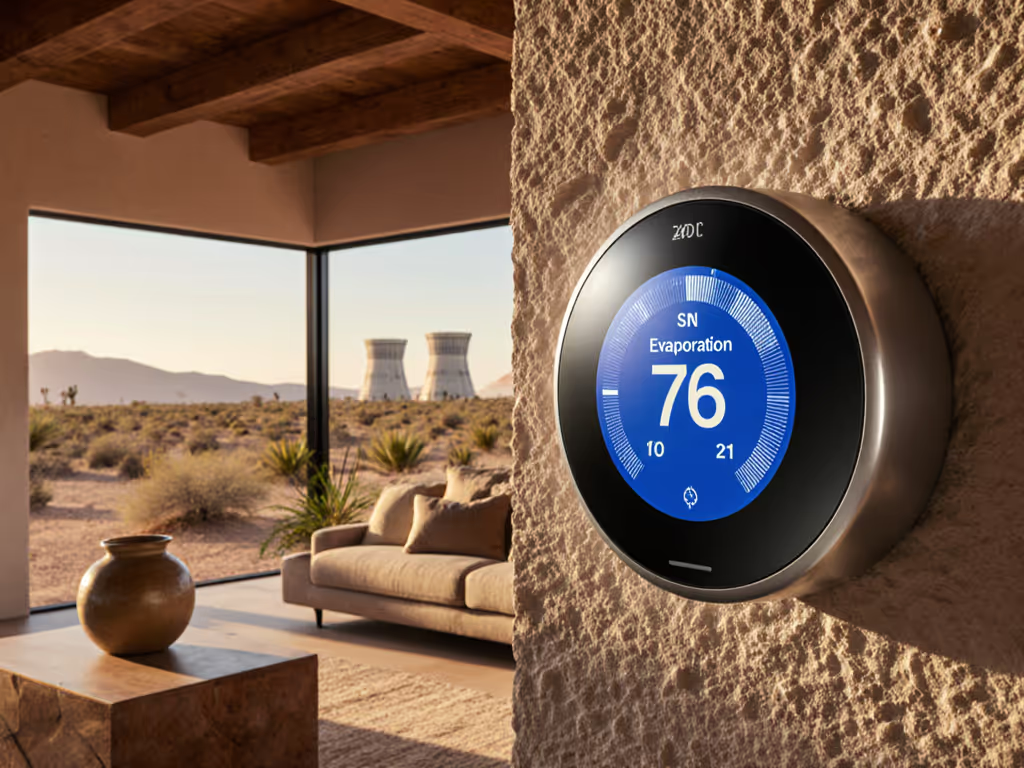
Evaporative cooling (or swamp cooling) offers exceptional efficiency in dry climates, but it demands a different control approach than forced-air air conditioning. An evaporative cooling thermostat must manage not just temperature but humidity and system runtime in ways that traditional AC thermostats don't. Meanwhile, a thermostat smart enough to integrate with your home automation should handle the unique wiring, sensor feedback, and scheduling that evaporative systems require without relying entirely on cloud connectivity.
The challenge many homeowners face is this: most mainstream smart thermostats were built for traditional HVAC (heat pumps, furnaces, and AC compressors with well-defined staging and reversing valves). Evaporative coolers operate on fundamentally different physics. You're not compressing refrigerant; you're moving air through water-saturated media. The thermostat must understand when conditions favor passive cooling, when active evaporative operation makes sense, and critically, when humidity control becomes your priority. Add in the reality that internet outages happen (I learned this the hard way during a storm that left our neighborhood without broadband for two days). Our radiant system stayed steady because thermostat schedules lived on-device and local sensors kept driving automations. That experience shaped how I approach thermostat selection: design for offline first, or you inherit fragility.
This guide walks through the questions that matter most when pairing a smart thermostat with evaporative cooling, grounded in dependency mapping and failure-mode analysis. For a ranked list of models that keep working offline, see our local processing thermostat comparison.
FAQ: Smart Thermostat Selection for Evaporative Cooling
What Wiring and Control Signals Does an Evaporative Cooler Need?
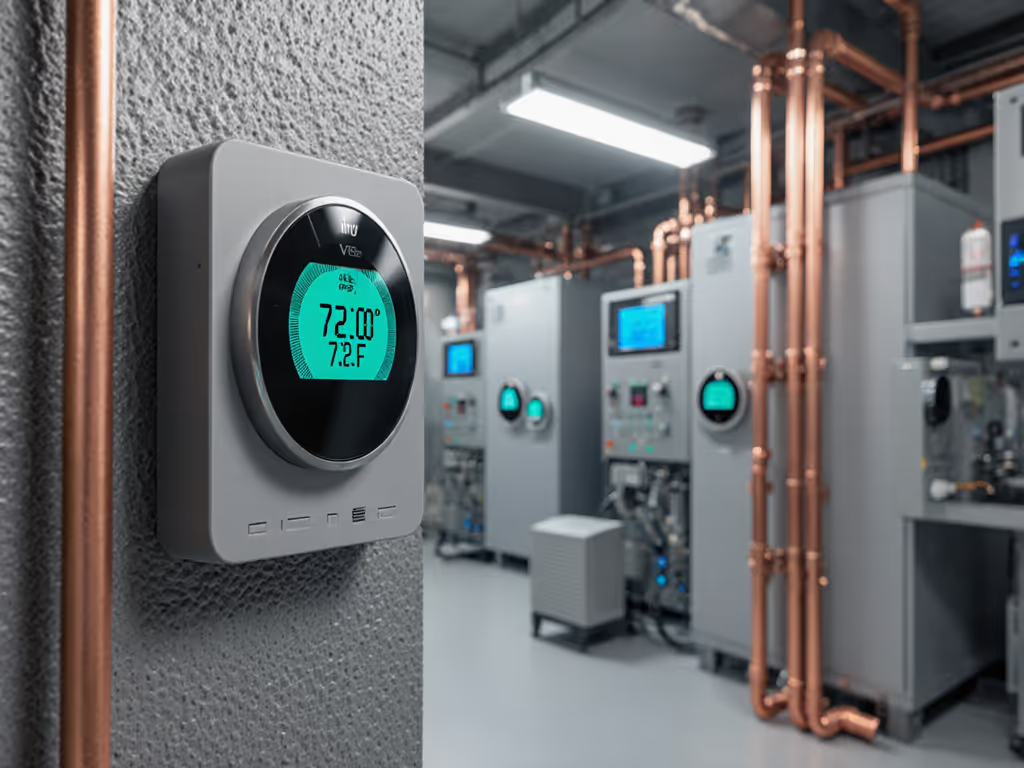
Traditional thermostats send simple signals: Y for compressor (AC), W for heat, G for fan. An evaporative cooler needs different control logic. The thermostat must signal the cooler's pump (water circulation), the fan (air movement), and often an auxiliary humidifier or ERV if humidity management is integrated. Some systems use a single multifunction output; others require discrete relays. If you're debating between doing this yourself or hiring a pro, read our DIY vs pro wiring guide for cost and complexity trade-offs.
The core dependency chain looks like this:
Thermostat → Relay Bank → Cooler Pump & Fan → Moisture Sensors → Humidity Target
If your cooler is hardwired directly to the thermostat's outputs (no intermediate control board), you need a thermostat with configurable output terminals and support for alternative cooling logic. Many mainstream smart thermostats (particularly those locked into single-stage or two-stage AC/heat routing) cannot accommodate this.
| Control Element | Dependency | Offline Impact |
|---|---|---|
| Thermostat outputs (Y, W, G) | Local wiring | None (outputs remain hardwired) |
| Scheduling logic | Cloud sync vs. device storage | Offline: device uses last-synced schedule |
| Humidity sensor data | WiFi/Thread to thermostat | WiFi loss: sensor goes blind; Thread: continues |
| Learning algorithms | Cloud processing | Offline: thermostat reverts to manual or default logic |
| Geofencing / Occupancy | Cloud location services | Offline: ignored; manual override required |
Design for offline first: your thermostat's core scheduling and output control must function without cloud contact. A device that reverts to a sensible default (maintain last setpoint, run scheduled cycles) beats one that locks or cycles erratically.
Will Popular Smart Thermostats Work with My Evaporative Cooler?
Not all do, and that's the critical compatibility trap. The Ecobee Smart Thermostat Premium, for instance, excels at multi-stage HVAC control and integrates cleanly with HomeKit, Google, and Alexa. But Ecobee's scheduling assumes traditional heating and cooling, not the pump-and-fan logic evaporative systems often require. Unless your cooler is controlled via a separate relay board (and you're only asking the thermostat to trigger that board's input), you'll need a workaround or a thermostat designed explicitly for alternative cooling.
Honeywell Home thermostats offer better flexibility; some support "alternative cooling" modes and configurable outputs, which makes integration more straightforward. The trade-off is that Honeywell's smart platform is less tightly integrated with HomeKit than Ecobee, and cloud-dependent features (remote access, learning) are more prevalent.
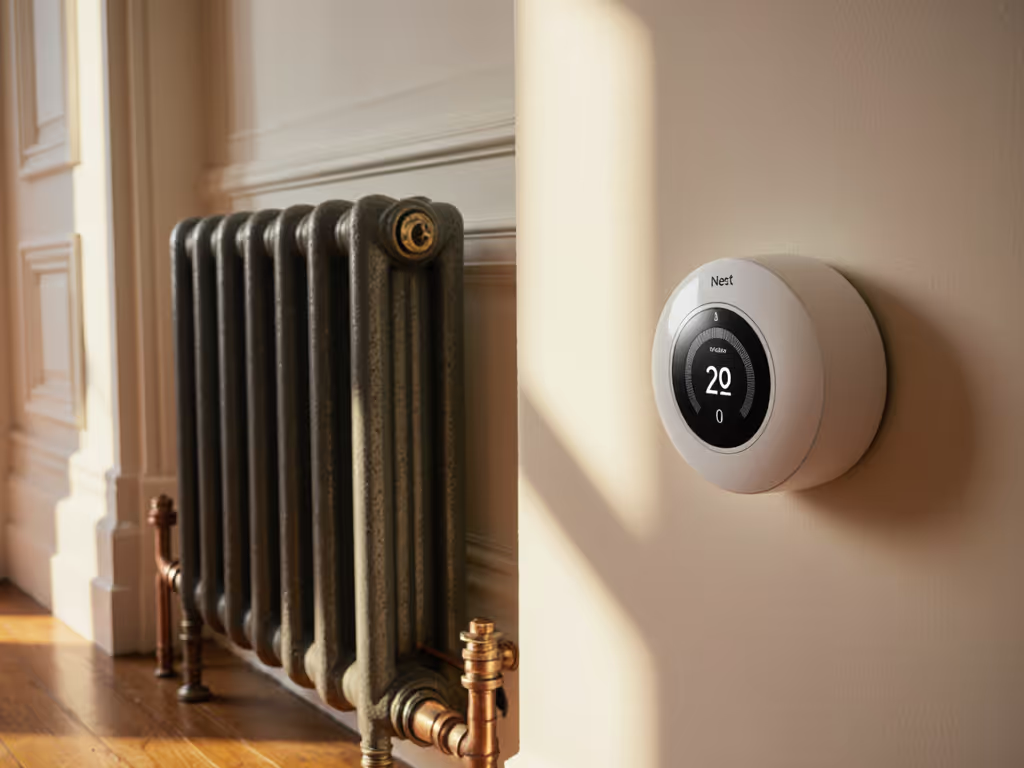
Google Nest Learning thermostats bring powerful occupancy-based scheduling and learning, but they're locked to the Google ecosystem and assume conventional HVAC staging. For evaporative cooling, you'd need to use Nest as a simple on/off trigger, losing the benefit of its learning capabilities. Before committing to Nest, confirm system fit with our HVAC compatibility checklist.
The practical path: verify your cooler's control interface before selecting a thermostat. If your system uses a standard relay control board with discrete pump and fan inputs, nearly any programmable thermostat (smart or not) can trigger it. If your cooler is directly hardwired to thermostat terminals, you need either a device with configurable outputs or a secondary control layer (relay module, smart switch) that translates.
How Do I Balance Humidity Control and Cooling Efficiency?
Evaporative coolers introduce moisture into your home. That's the trade-off for their efficiency: they saturate air with water, which requires the home to be dry to start with and allows continuous moisture removal via ventilation. Too much humidity and efficiency drops; too little and the air feels uncomfortable and dry. For model-by-model differences, consult our humidity control comparison.
Moisture management for evaporative cooling hinges on three elements:
-
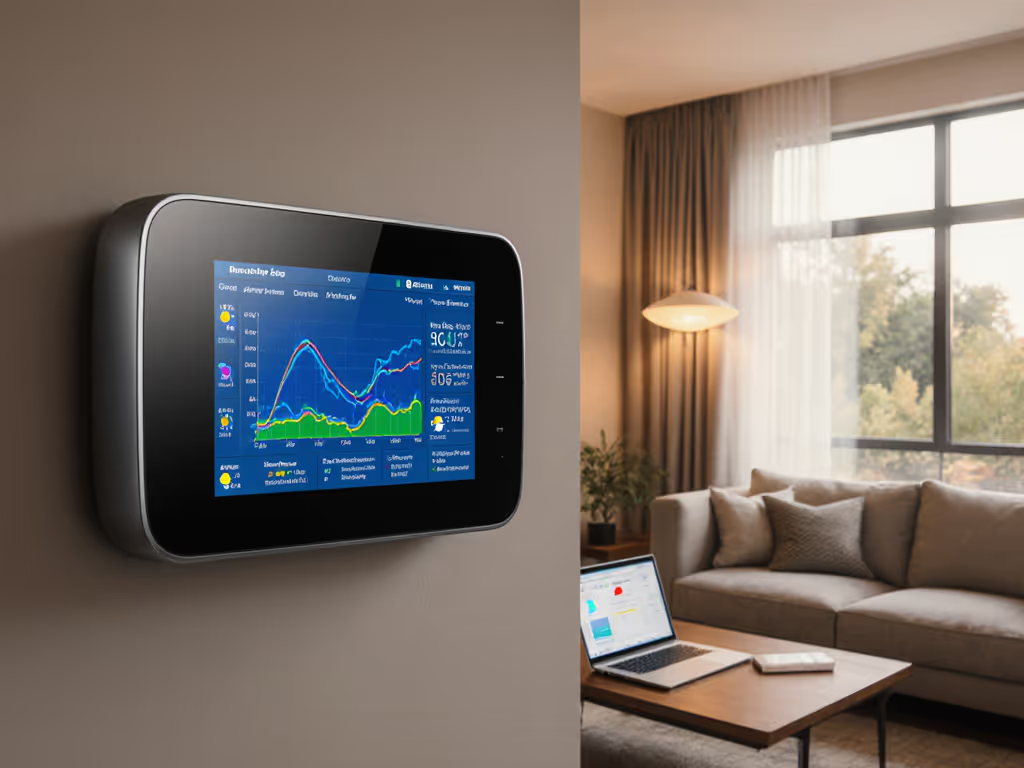
Humidity Sensors: A smart thermostat with integrated RH sensors or support for remote humidity sensors (via Thread, Zigbee, or WiFi) gives you real-time feedback. This data must be stored locally; if your hub loses cloud connectivity, humidity monitoring should continue.
-
Evaporative Cooling Humidity Control: The thermostat (or a linked automation) must adjust cooler runtime based on RH levels. If RH exceeds your target, the system should throttle the cooler or trigger ventilation (window fans, ERV) to shed moisture. This logic must run locally, since cloud-dependent humidity control introduces unacceptable latency and failure risk.
-
Threshold Fallback: If sensors lose connectivity or power fails, the thermostat should revert to time-based scheduling rather than humidity control. A timed "cooler on" followed by "fan-only" cycles with delayed repeat is predictable and safe.
What's the Local-vs-Cloud Capability Breakdown for Top Candidates?
Here's a dependency diagram comparing two popular options against the demands of evaporative cooling:
Ecobee Smart Thermostat Premium
- Local scheduling: Yes, device stores schedules
- Multi-stage/alternative output support: Limited; assumes traditional HVAC
- Humidity sensor: Built-in RH sensor, but cloud-dependent learning
- HomeKit / Matter: Excellent local control via HomeKit, requires hub (HomePod, Apple TV)
- Offline behavior: Executes schedule, responds to manual inputs, but loses occupancy and learning
- Recommendation for evaporative cooling: Best paired with a relay control board; thermostat acts as trigger, not sole controller
Honeywell Home Thermostat
- Local scheduling: Yes, device stores schedules
- Multi-stage/alternative output support: Better; supports configurable outputs and alternative cooling modes
- Humidity sensor: External sensors supported; control logic varies
- Ecosystem: Works with Google, Amazon, SmartThings; less tightly integrated with HomeKit
- Offline behavior: Maintains schedule; cloud-dependent features unavailable
- Recommendation for evaporative cooling: More flexible for direct control if cooler wiring allows; requires verification
Critical Privacy & Data-Flow Note: Both devices transmit occupancy data (geofencing, presence), energy usage, and humidity readings to cloud services. For evaporative cooling in dry climates with low privacy concerns, this may be acceptable. But if you're privacy-sensitive, ensure that core humidity and pump control logic runs locally and doesn't require cloud sync to function. A device that stores schedules on-device but streams all sensor telemetry is still dependent on cloud for granular control.
What Happens When the Internet Fails?
This is the failure mode question that separates fragile designs from robust ones. When broadband drops:
Best Case (Design for Offline First): Your thermostat continues executing its stored schedule. Temperature setpoints, humidity targets, and pump/fan cycles persist. Local sensor data (temperature, humidity) remains available to the device. Smart home automations that rely on cloud geofencing or remote app commands fail gracefully, the thermostat doesn't wait for a response; it defaults to its last known instruction.
Worst Case: Your thermostat locks, becomes unresponsive, or reverts to an unsafe default (e.g., "cooler on indefinitely"). You cannot adjust settings without internet, and occupancy-based automations stop working.
For evaporative cooling, the worst case is worse: if humidity control depends on cloud-processed sensor data and that connection fails, your cooler keeps running, humidity climbs, and efficiency tanks. Or it shuts off entirely, and you lose cooling in a heat wave.
Mitigation: Choose a thermostat that stores schedules and control logic on-device. Verify that humidity-based automations (if you use them) can run via local Matter / Thread gateways, not just cloud integrations. If your smart hub (HomePod, Google Home) is also offline, ensure the thermostat has a hardwired manual override or defaults to a safe cycle (e.g., "fan only, 15 minutes per hour").
I've seen this tested in extremis. A two-day internet outage in my neighborhood left neighbors whose cooling relied on app-triggered geofencing scrambling to cool their homes manually. Our setup, local schedules on the thermostat, Thread-connected humidity sensors, and a Matter-enabled hub, continued optimizing comfort without a hitch. That's the dividend of designing for offline first.
Which Thermostat Should I Choose for Evaporative Cooling?
Your answer depends on three factors:
1. Cooler Control Interface: Does your system have a relay control board (separate from the thermostat) or direct hardwired outputs? If the former, most smart thermostats work; if the latter, you need configurable outputs.
2. Smart Home Platform: Are you committed to HomeKit (choose Ecobee, investigate Matter-native Honeywell), Google (Nest or Honeywell), or Alexa? Ecosystem lock-in matters (cloud services change), and you want local fallback built into your chosen platform.
3. Humidity Integration: Do you need closed-loop humidity control, or is time-based scheduling sufficient? If closed-loop, verify the thermostat supports local RH data processing, not just cloud telemetry.
How Do I Plan for Future Flexibility (Heat Pump, New Zones, or Added Sensors)?
Choose a thermostat that speaks Matter or Thread (or both). Matter is a local, vendor-agnostic standard that survives platform migrations. Thread ensures that distributed sensors (humidity, occupancy) communicate directly with your thermostat hub without cloud relay, even if WiFi flickers.
For evaporative cooling specifically, a Matter-enabled device paired with Thread-capable humidity and occupancy sensors gives you a future-proof foundation. You can swap out the cloud platform (move from Ecobee's HomeKit to Honeywell's Google ecosystem, or vice versa) without losing local control or sensor integration.
Also confirm the thermostat supports auxiliary heat staging and lockout settings (critical if you later add a heat pump as a winter backup to your summer cooler). Avoiding short-cycling and expensive aux heat hinges on correct staging logic baked into the device.
Further Exploration
Before purchasing, document your cooler's electrical schematic (pump, fan, and sensor connections), confirm whether it uses a relay control board, and verify that your chosen thermostat's output terminals and scheduling logic accommodate alternative cooling. If you're uncertain, consult the cooler's manual or a licensed HVAC tech; a 30-minute verification call beats a $500 return and reinstall.
Then, map your smart-home ecosystem: if you're HomeKit-first, Ecobee + a Matter-enabled Thread hub is your path. If you're Google-native, investigate Honeywell Home's latest models and their local control capabilities. In both cases, prioritize devices that store schedules on-device, support local humidity sensing, and define clear offline behavior.
Your comfort shouldn't hinge on an outage or an obscure cloud service dependency. Design for offline first, verify compatibility before you buy, and you'll have an evaporative cooling system that works as reliably in a storm as it does on a clear day.
Related Articles