Thermostat Health Monitoring For Environmental Health Alerts
By Aiko Tanaka • 25th May
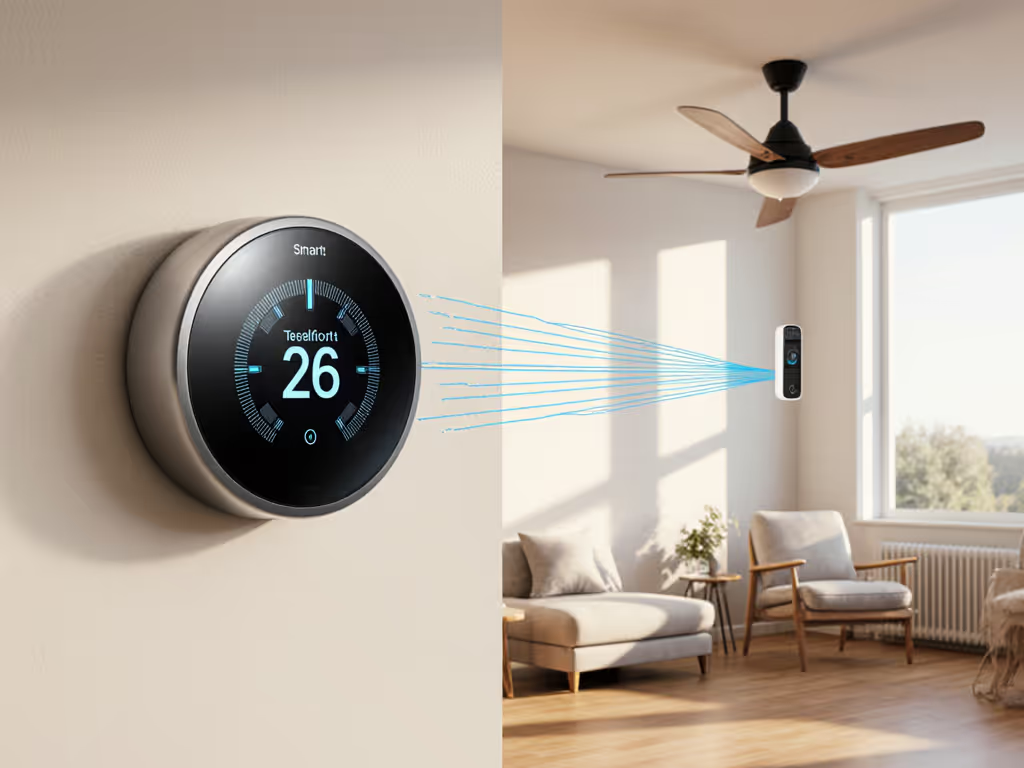
Thermostat health monitoring and environmental health alerts turn your thermostat from a simple temperature dial into an early-warning node for HVAC failures and indoor comfort risks. Done right, it becomes a local safety net for indoor air quality health indicators, especially for kids, older adults, and anyone sensitive to heat, cold, or poor air. For a deeper look at thermostat-driven allergy and IAQ features, see our allergy relief guide.
Local first, cloud optional (comfort shouldn't hinge on an outage).
FAQ: Thermostat Health Monitoring & Environmental Health Alerts
1. What is "thermostat health monitoring" in plain terms?
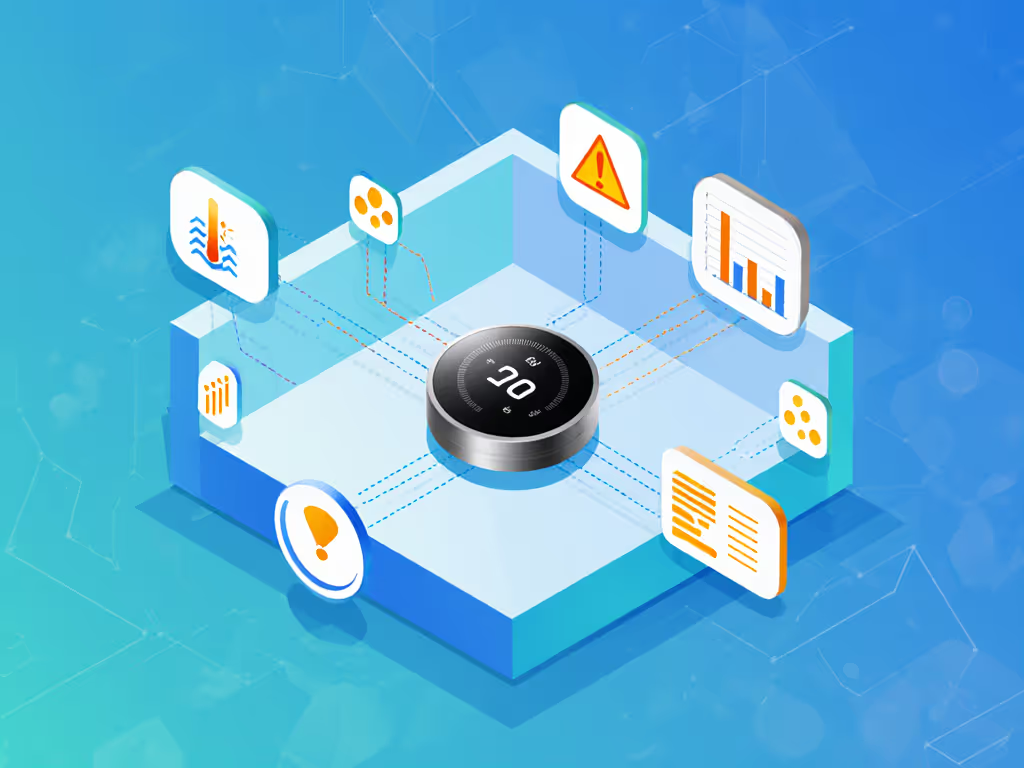
Thermostat health monitoring is continuous tracking of how your HVAC and indoor environment behave, with automatic alerts when something looks unsafe, inefficient, or abnormal.
There are two layers:
-
HVAC performance health
The system watches how quickly the home warms or cools when the thermostat calls for heat or AC. If it starts taking much longer than normal, that can signal low refrigerant, a failing blower, a frozen coil, or other faults. -
Environmental health
The thermostat and its connected sensors watch temperature, humidity, and sometimes particulates or gases. Alerts trigger when conditions cross thresholds that matter for comfort, asthma, cardiovascular risk, or mold.
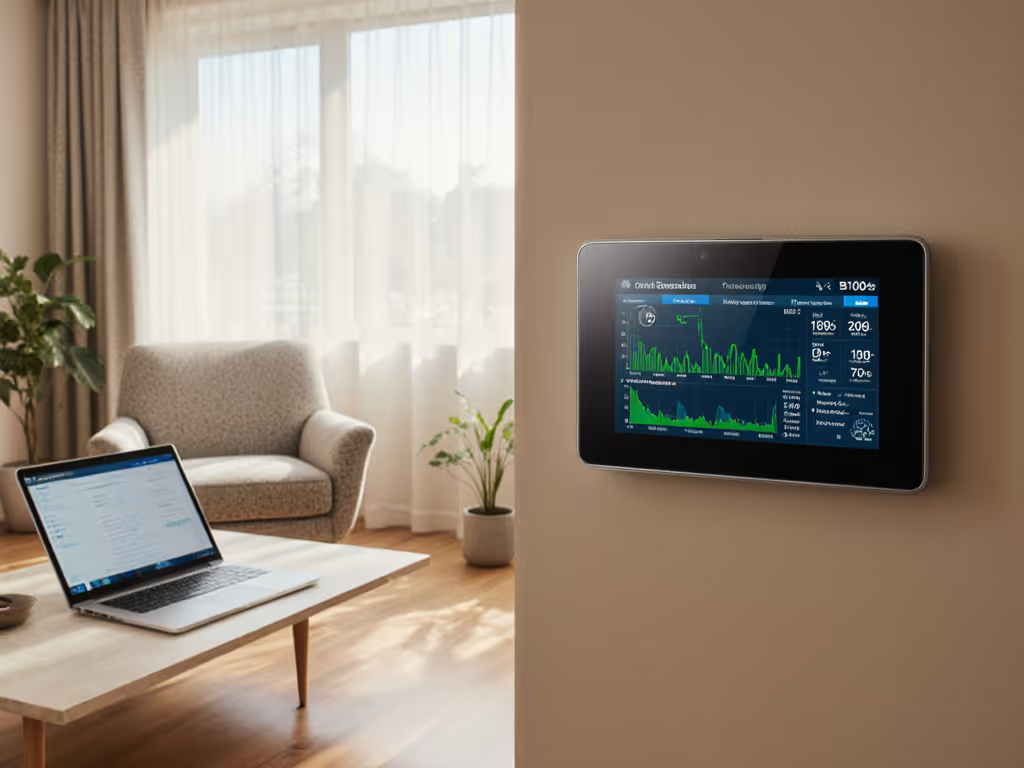
Some platforms, like Google's System Health Monitor, already do basic HVAC health checks and send email or app notifications when cooling or heating takes longer than expected or the system appears to be struggling. Community automations (for example, Home Assistant HVAC health blueprints) do something similar locally by comparing runtime to actual temperature change.
2. How do thermostats create environmental health alerts?
Think of your thermostat as the coordinator for several sensors:
-
Built-in temperature and humidity
Most smart thermostats already track these; humidity alone is a major indoor air quality health indicator for mold, dust mites, and respiratory comfort. For model-by-model capabilities, review our humidity control comparison. -
Add-on air quality sensors
Off-the-shelf sensors measure PM2.5 (fine particles), VOCs (volatile organic compounds), and sometimes CO2. Industry guidance notes that pairing thermostats with PM2.5 and VOC sensors helps decide when active filtration or air cleaning is needed. Radon sensors can provide continuous radon readings in some homes. -
Remote room sensors
These extend monitoring beyond the hallway to bedrooms, a nursery, or a downstairs den that runs cold.
Once thresholds are defined, the thermostat or the home platform can trigger environmental health alerts when:
- A room is too hot/cold for an elderly parent or infant for more than a set duration.
- Humidity climbs into mold-risk territory for hours.
- PM2.5 or VOC levels remain elevated, suggesting cooking emissions, smoke, or off-gassing.
3. Is any of this real today, or just future marketing?
It is already happening, though capabilities differ by brand and platform.
Examples:
-
Nest System Health Monitor
Google's System Health Monitor analyzes how long it takes your system to heat or cool, and if it detects performance problems (like unusually long cooling times), it sends email and app alerts. It is currently limited to forced-air systems and certain regions in the US and Canada. -
Local/home-automation blueprints
Community automations (e.g., an HVAC health monitor blueprint for Home Assistant) track starting temperature, runtime, and expected change, then alert when cycles are ineffective or run excessively long. -
Commercial remote monitoring
HVAC monitoring vendors provide sensors that watch temperature and other metrics 24/7 and send instant alerts when conditions cross thresholds. -
Health research using thermostat data
University and clinical studies are actively exploring remote patient monitoring using smart thermostat data. Researchers have used thermostat sensor logs to understand how indoor temperature affects cardiovascular patients and to derive health-related insights from occupancy and comfort patterns.
So we are not talking about science fiction. The question is how much you let your thermostat do, and how much remains in your platform (HomeKit, Home Assistant, etc.).
4. Which health-related signals can a thermostat-based system actually track?
At a minimum, a modern smart thermostat ecosystem can help track:
-
Thermal safety
Very high or very low indoor temperatures for defined durations. This matters for infants, older adults, and people with cardiovascular or thermoregulatory issues, as documented in clinical and population studies. -
Humidity and mold risk
Persistently high humidity supports mold growth, while very low humidity worsens dry air symptoms. Paired humidifier/dehumidifier or ventilation control can respond automatically. -
Fine particles (PM2.5)
Certain sensors detect smoke, pollution, and cooking aerosols. Guidance notes that PM2.5 information can tell you when air cleaning or filtration is needed. -
VOCs and possibly radon
VOC sensors can highlight off-gassing from cleaners, paints, or building materials. Specialized radon sensors exist that integrate into a broader monitoring system. -
HVAC stress or failure
Continuous runtimes without achieving setpoint, or repeated failure patterns, often indicate emerging mechanical problems. -
Occupancy and activity patterns
Research in remote patient monitoring uses thermostat motion and temperature data to infer daily routines or detect deviations that may matter for health management.
These are indicators, not diagnoses. But they provide a practical early-warning layer for vulnerable population climate monitoring.
5. How does this help elderly and pediatric health specifically?
For elderly health thermostat alerts:
- You can define safe temperature bands for an older adult's bedroom and main living space, then get alerts if those rooms drift outside the band for more than, say, 30–60 minutes.
- In hot climates, pairing with AC runtime monitoring can warn you if the system can no longer hold temperature during a heat wave.
- If motion or occupancy data show no activity combined with potentially unsafe temperatures, your platform can escalate to a higher-priority notification.
For pediatric environmental health tracking:
- A remote sensor in the nursery can enforce tighter temperature and humidity ranges than the rest of the home.
- PM2.5 and VOC sensors near bedrooms can trigger alerts or automations (boost filtration, run ERV, pause certain activities) when air quality degrades.
For both groups, the value is less about graphs and more about clear, actionable alerts: "Grandma's room has been above 80°F for 45 minutes" or "Nursery humidity has stayed above target for 2 hours."
6. How do local vs cloud alerts behave if the internet goes down?
This is the question I always ask: If the WAN dies, what still works?
Most setups fall into three patterns:
| Layer | Local behavior if internet is down | Cloud dependency |
|---|---|---|
| Thermostat basic control | Heat/cool cycles, schedules, manual changes usually keep working | None or minimal for core HVAC |
| Local platform (e.g., HomeKit, local hub) | Can still run automations and environmental health alerts on-device using Thread/Zigbee/Wi-Fi sensors | No cloud needed for logic |
| Vendor cloud & apps | Push notifications, remote app control may fail or be degraded | Full dependency for alerts and remote access |
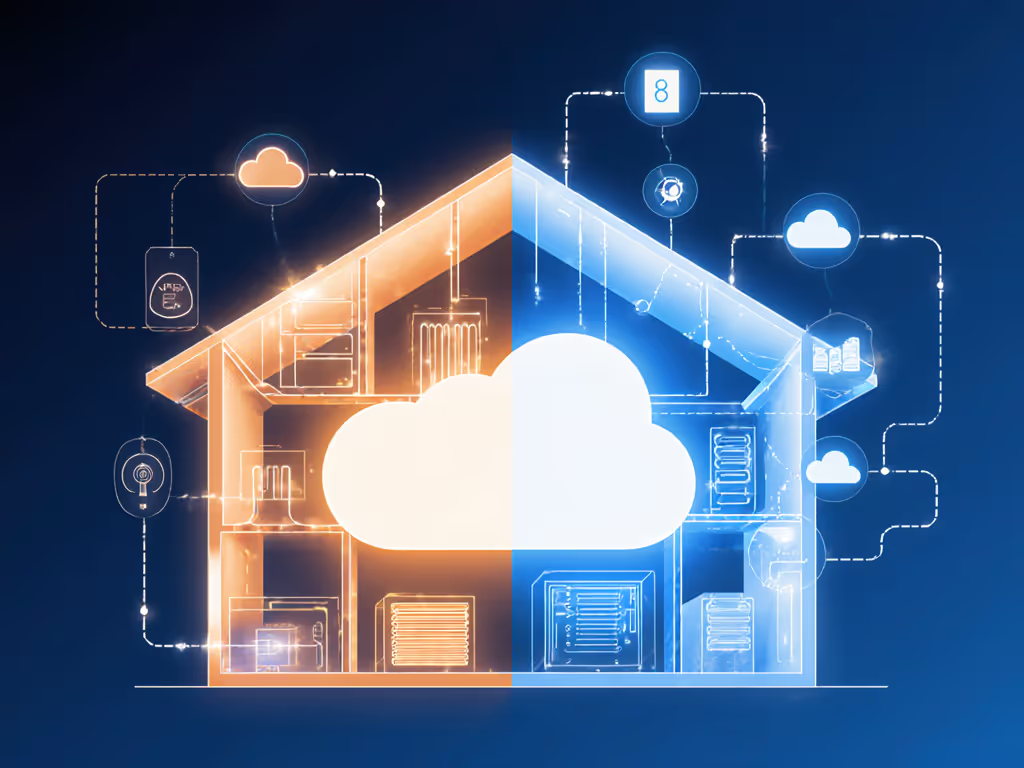
Nest's System Health Monitor, for example, relies on the vendor cloud to notify you via email and app about detected HVAC issues. In contrast, local home-automation engines can evaluate sensor data and raise alerts over your LAN even without internet connectivity.
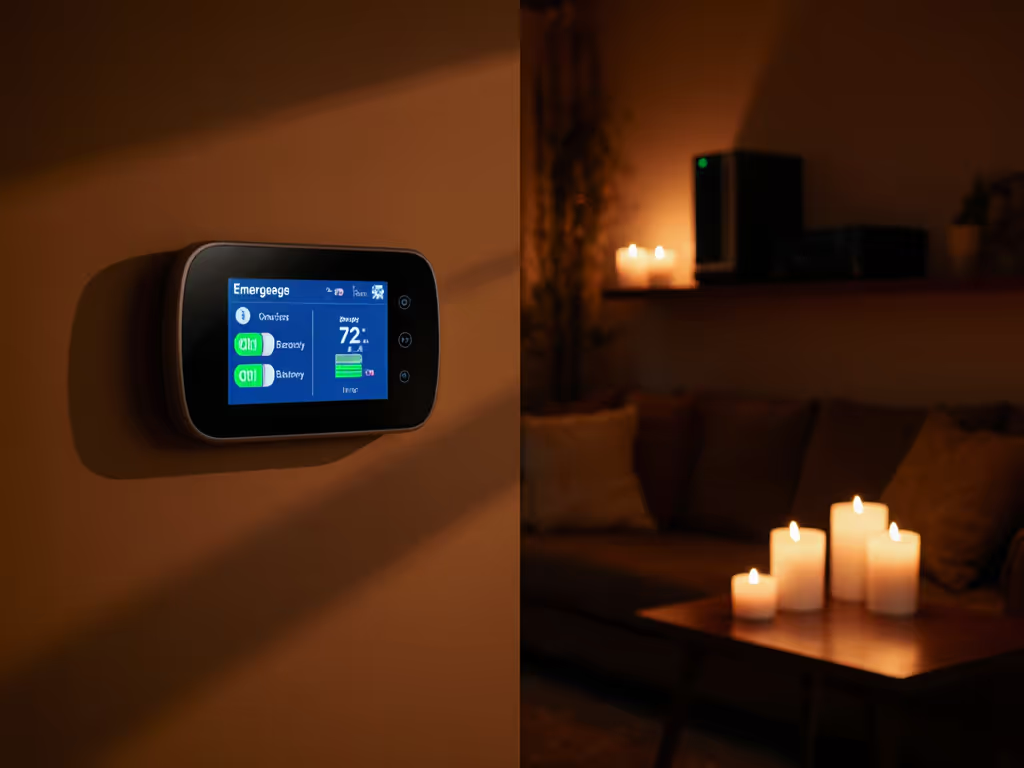
This is why I design around local schedules and local rules first, then layer cloud notifications on top. For picks that keep core features working offline, see thermostats with strong local processing. A storm once took out internet in my area for days while radiant floors and room sensors quietly kept bedroom temperatures within a narrow band (no cloud needed).
If the WAN dies, what still works?
That question should drive your architecture, especially when you're protecting vulnerable occupants.
7. What about privacy... what data is being collected?
From a privacy disclosures and data flow perspective, a thermostat-health setup can touch:
- Temperature and humidity histories
- Motion and occupancy (from built-in or external sensors)
- IAQ metrics like PM2.5, VOCs, CO2, and radon
- HVAC runtimes and setpoints
Studies on remote patient monitoring explicitly analyze thermostat logs to infer routines and health-related patterns. That is powerful, and it makes clear this is sensitive data. To lock down permissions and network security, follow our smart thermostat privacy guide.
Questions to ask for each device and platform:
- Where is data stored: only locally, vendor cloud, or both?
- Is it used for advertising or shared with third parties?
- Can you export or delete history?
- Can core features run without an account or persistent cloud connection?
I favor ecosystems where you can build a local-vs-cloud capability table for yourself and see that health-critical alerts do not require external servers.
8. How do I set up thermostat health monitoring in my own home?
Here is a practical, failure-aware path that respects DIY boundaries:
Step 1: Draw a simple dependency diagram
On a page, map:
- Thermostat → HVAC type (furnace/AC, heat pump, boiler, mini-split)
- Thermostat → Platform (HomeKit, Google, Alexa, local hub)
- Platform → WAN (internet), LAN (router), and power
- Sensors → Power and network (batteries, USB, Thread, Zigbee, Wi-Fi)
This diagram clarifies where a single failure (router, cloud, thermostat) would break environmental health alerts.
Step 2: Decide which health indicators matter most
For most homes, I recommend prioritizing:
- Thermal safety: max/min room temperatures for bedrooms and main living areas.
- Humidity: mold risk vs dry air discomfort.
- PM2.5 / VOCs: especially if anyone has asthma or you live in wildfire or high-pollution regions.
You can always add more later (CO2, radon, activity patterns).
Step 3: Add or link the necessary sensors
- Use your thermostat's built-in temp/humidity plus remote room sensors for critical rooms.
- Add IAQ sensors (particles, VOCs, etc.) that integrate with your preferred platform.
- For boilers, mini-splits, or radiant systems not covered by vendor health features, rely on platform rules (e.g., "if runtime is long and temperature barely changes, alert").
Step 4: Implement the alert logic locally where possible
Examples of automations:
- If bedroom temperature > upper limit for 30 minutes → send high-priority notification and optionally enable cooling boost.
- If humidity > threshold for 2 hours → enable dehumidification or ventilation and notify.
- If heating/cooling runtime exceeds X minutes with <Y°F change → send HVAC health alert.
- If PM2.5 stays high → notify and trigger higher fan speed or filtration.
Whenever your platform allows, run these automations in a way that still functions when the internet is offline.
Step 5: Walk through failure modes in advance
Perform a quick failure-mode walkthrough:
- Power outage: HVAC is down; alerts don't matter, but do you get notified when power is restored and temps recover?
- Internet outage: Can your phone still receive LAN notifications from your hub? Are basic schedules and comfort bands still enforced?
- Thermostat failure: Do you know how to safely bypass or switch to a backup thermostat in extreme weather without damaging the control board?
The goal is simple: during an extreme heat wave or cold snap, no single component failure should silently remove your guardrails for at-risk rooms.
9. Where should I go next if I want to go deeper?
If this resonates and you want to refine your setup:
- Expand your dependency diagram into a one-page reference for your family or tenants.
- Build a small local-vs-cloud table for your current devices and see which alerts disappear when the WAN is out.
- Explore adding IAQ sensors that your existing platform supports, starting with PM2.5 and humidity. If respiratory health is a priority, explore respiratory health monitoring.
- If you use a cloud-centric thermostat (like Nest with System Health Monitor), complement it with local logic on a hub or platform that can function independently.
Treat your thermostat not just as a comfort tool but as a quiet, reliable sentinel for environmental health, especially for those in your home who most need the extra safety margin.
Related Articles